
AGATT 59 is the activity and working time management application used by the SDIS du Nord. It allows firefighters in the department to check their schedules, submit leave requests and track their operational activity from a web browser. This guide explains how the platform works, the technical requirements for accessing it and what to do if you encounter a problem.
Technical requirements for accessing AGATT 59
Before attempting to log in, check that your device meets the basic requirements. AGATT runs in a standard web browser, with no dedicated software to install. Any computer, tablet or smartphone with an Internet connection will do.
The platform uses a secure architecture specific to SDIS 59. Depending on the service configuration, access is provided through an internal URL or an authentication portal. Login credentials are assigned individually by the administration team at the fire station or territorial group.
- Recommended browsers: recent versions of Firefox, Chrome or Edge. Outdated versions may cause display errors or prevent authentication.
- Network connection: a standard Internet connection is sufficient. At a fire station, the SDIS internal network generally provides direct access.
- Personal credentials: an employee number or specific login, together with a password. These details are provided when you join the department.
The AGATT login procedure for SDIS 59 requires these prerequisites to be met. Without valid credentials, the login page displays a generic error message that does not always explain the problem.
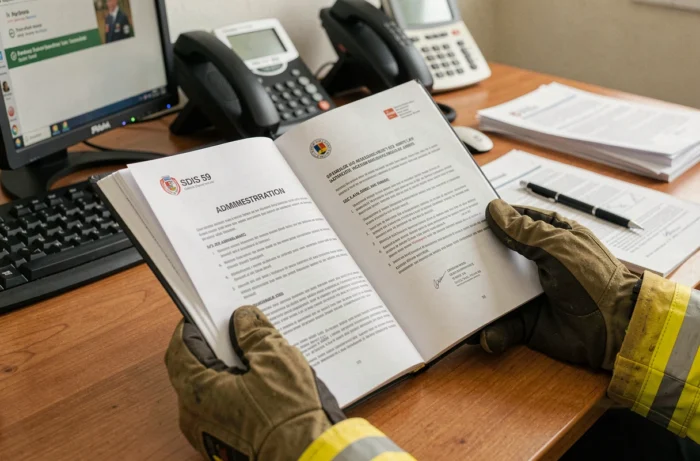
AGATT 59: features available to firefighters in northern France
The AGATT interface does more than display duty schedules. The application brings together several modules for managing day-to-day activities.
Working time management
The main module displays scheduled shifts, on-call periods and compensatory rest. Each employee can view their personal calendar several weeks ahead. Shift swaps between employees are also handled through this module, with built-in managerial approval.
Leave and absence requests can be submitted directly in AGATT. The approval process follows the chain of command at the employee’s assigned station, avoiding the need for internal mail or email exchanges.
Operational activity tracking
AGATT includes an operational module that records completed callouts. This enables each firefighter to review their callout history. For managers, the data feeds into the station’s activity reports.
Data entered in AGATT is also used to calculate pay for professional firefighters and allowances for volunteer firefighters. An entry error or missed time record can therefore directly affect pay.
Training and certifications
Some SDIS departments use AGATT to track certifications and mandatory refresher training. In the Nord department, this module helps verify that training is up to date (first aid, vehicle operation, chemical hazards) and plan for renewal dates.
Troubleshooting SDIS 59 login issues
Access problems are the most common reason people search for information about AGATT. Several issues come up regularly.
A forgotten password cannot always be reset without assistance. Depending on the SDIS 59 configuration, you may need to contact the group’s IT department directly. Some portals offer a reset link sent to your work email address, but this is not always available.
An account locked after several failed attempts requires administrator intervention. The time it takes to unlock an account depends on the technical support team’s availability. This may take longer during periods of high operational activity.
- Make sure Caps Lock is off before entering your password again.
- Clear your browser cache if the login page does not load properly or displays an outdated version.
- Try another browser if the problem persists, particularly if a security extension may be blocking access.
- Contact your fire station’s AGATT representative, who has local administrator access for routine tasks.
Contact and support for AGATT at SDIS du Nord
SDIS 59 has a centralized IT department that manages the AGATT platform. Your first point of contact should be the station chief or the administrative representative for your territorial group. This local contact handles most routine requests, including password resets, correcting an incorrectly entered shift and updating an employee profile.
For technical issues that cannot be resolved locally, such as a server outage, a widespread display bug or an application update, the departmental IT department takes over. Issues are generally reported through an internal ticketing system available on the SDIS intranet.
Volunteer firefighters, who often access AGATT from home, may encounter issues specific to their personal network setup. A VPN is not required for standard access, but some Internet routers or firewall configurations may interfere with the authentication page loading.
AGATT 59 remains a key tool for managing human resources at SDIS du Nord. Knowing how to use it is essential for accessing schedules, submitting administrative requests and tracking your career. If you remain unable to access the platform, contacting your local fire station representative is the quickest way to resolve the issue.